
Tiled is the clear winner
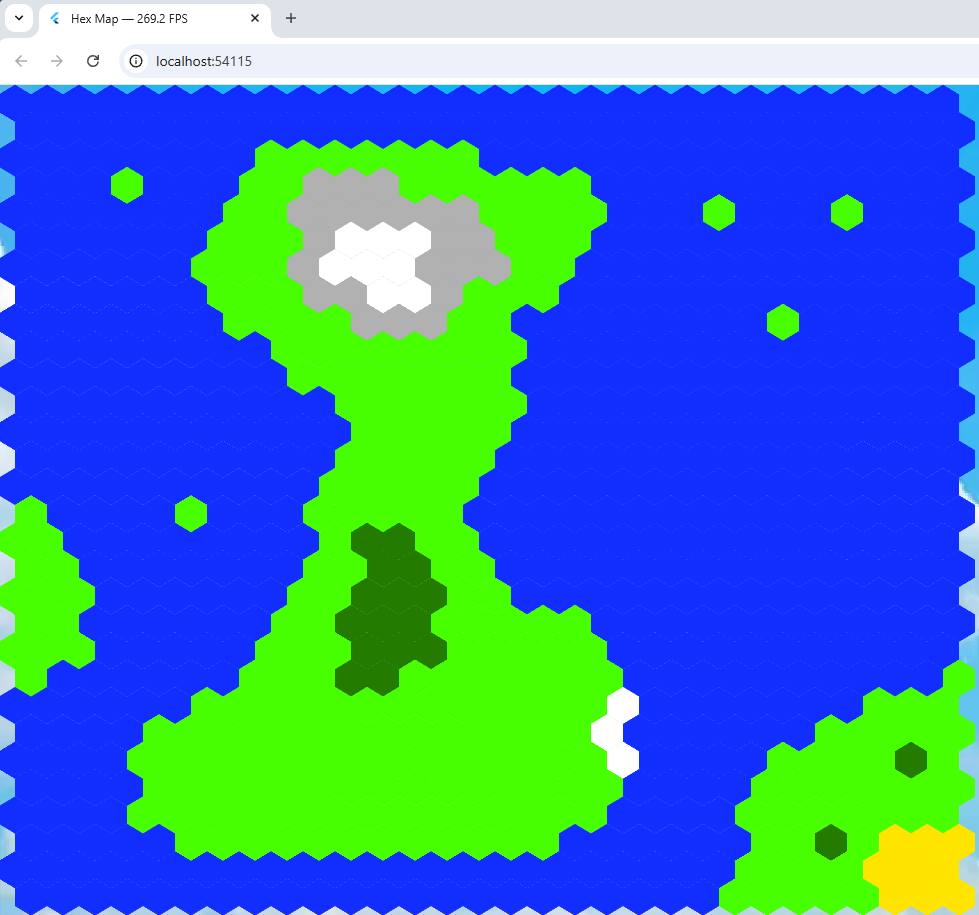 I thought maybe the non-tiled hex map program mentioned in my last blog entry would be easier to work with and as fast but just to be on the safe side, I measured the frame rate of both programs.
I did this with a nifty bit of Flutter code ceated by an AI that I’ve included below. I added it to the program created by Alexander Shevelev who wrote a Medium article about using Flutter + Flame + Tiled. That’s his program running.
import 'dart:math' as math;
import 'dart:ui';
import 'package:flame/components.dart';
import 'package:flame/events.dart';
import 'package:flame/game.dart';
import 'package:flame/input.dart';
import 'package:flame_tiled/flame_tiled.dart';
import 'package:flame_tiled_example/background.dart';
import 'package:flame_tiled_example/tile_info.dart';
import 'package:flutter/foundation.dart' show kIsWeb;
import 'package:flutter/scheduler.dart';
import 'package:flutter/widgets.dart' hide Animation, Image;
import 'package:web/web.dart' as web;

class FpsCounter {
  // Singleton instance
  static final FpsCounter _instance = FpsCounter._internal();

  factory FpsCounter() => _instance;

  FpsCounter._internal();

  bool _running = false;
  int _frameCount = 0;
  double _elapsedMs = 0;

  double fps = 0;

  /// Start measuring FPS
  void start() {
    if (_running) return; // avoid double registration

    _running = true;
    SchedulerBinding.instance.addTimingsCallback(_onTimings);
  }

  /// Stop measuring FPS and remove the global callback
  void stop() {
    if (!_running) return;

    SchedulerBinding.instance.removeTimingsCallback(_onTimings);
    _running = false;
    _frameCount = 0;
    _elapsedMs = 0;
    fps = 0;
  }

  /// Internal callback fired for every frame timing
  void _onTimings(List<FrameTiming> timings) {
    if (!_running) {
      return;
    }

    for (final t in timings) {
      _frameCount++;
      _elapsedMs += t.totalSpan.inMicroseconds / 1000.0;
    }

    // Update about 4 times per second
    if (_elapsedMs >= 250) {
      fps = _frameCount / (_elapsedMs / 1000.0);

      if (kIsWeb) {
        web.document.title = "Hex Map — ${fps.toStringAsFixed(1)} FPS";
      }

      _frameCount = 0;
      _elapsedMs = 0;
    }
  }
}
void main() {
    WidgetsFlutterBinding.ensureInitialized();
    FpsCounter().start(); // 👈 start measuring FPS
    runApp( Background( child: GameWidget(game: TiledGame()),
    ),
  );
}
That puts the FrameRate in the caption. My 40 x 40 hex frame rate was between 6 and 10 FPS,
The Tiled program displayed a 30 x 30 hex grid at just between 250 and 400 FPS! A clear and deserved winner.
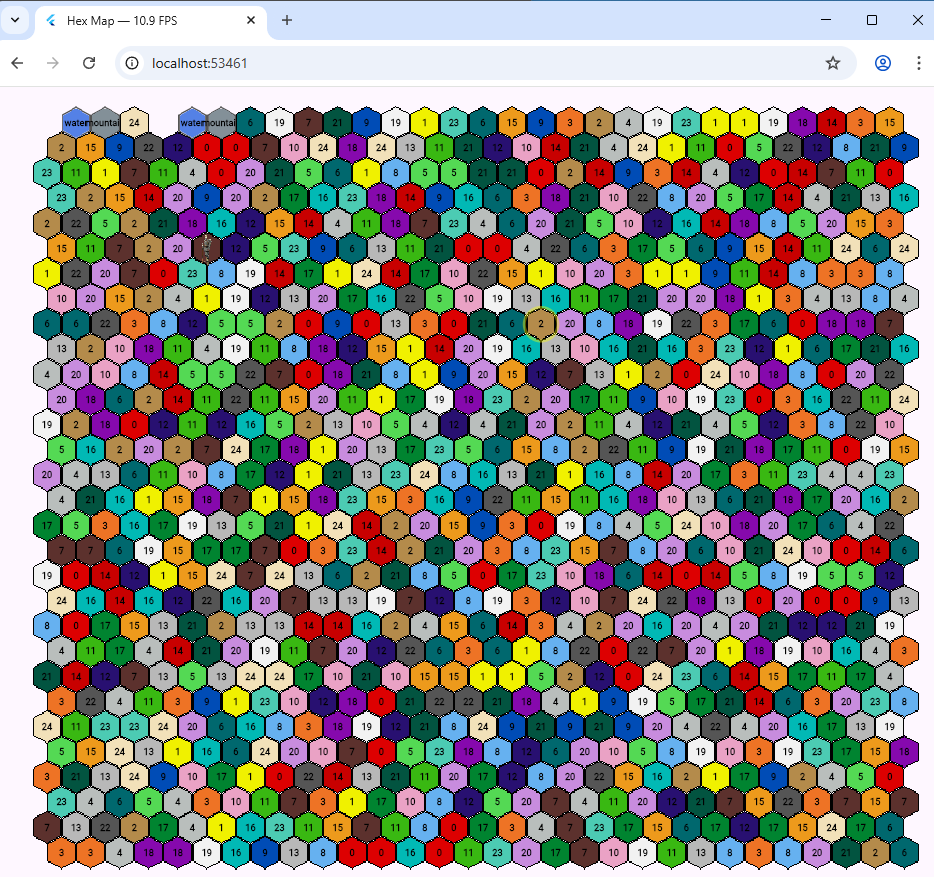 Originally I was going to use Tiled to draw hexagons in a Flutter web game. But it seemed easier to do it manually without having to worry about working with the .tmx format which is an all singing format based on a XML file structure, and seems more suited to static maps.
 A recent update saw Flutter compiles on Ubuntu broken due to an issue with lld. This was only on Flutter installed under snap. To fix it, I removed Flutter and reinstalled it from Git. There were a few issues after that so I’ve documented them here. This is the process.
![Target dart_build failed: Error: Failed to find any of [ld.lld, ld] in LocalDirectory: '/snap/flutter/149/usr/lib/llvm-10/bin'](https://learncgames.com/wp-content/uploads/2026/01/linux-flutter-build-error.png) So I’ve been working on my game and to save time build the web project as a Linux app. It compiles it and runs it quicker than doing it with Chrome. Until yesterday.
So I’ve been working on my game and to save time build the web project as a Linux app. It compiles it and runs it quicker than doing it with Chrome. Until yesterday.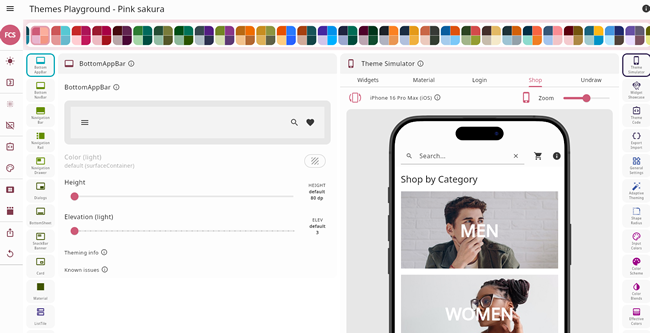 One of Flutter’s big strengths is its supports for theming; you can define or change colours for every aspect of your UI but it can be a bit complicated. Now an open source project provides a way to simplify things. It’s called

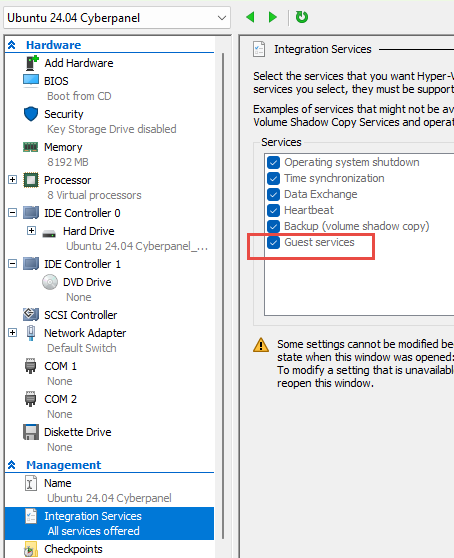
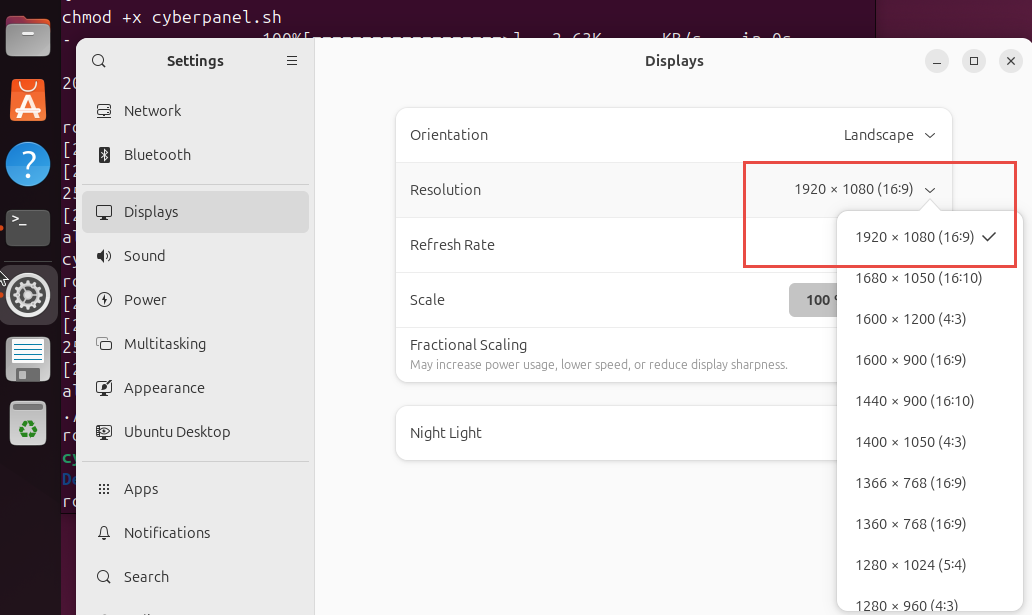
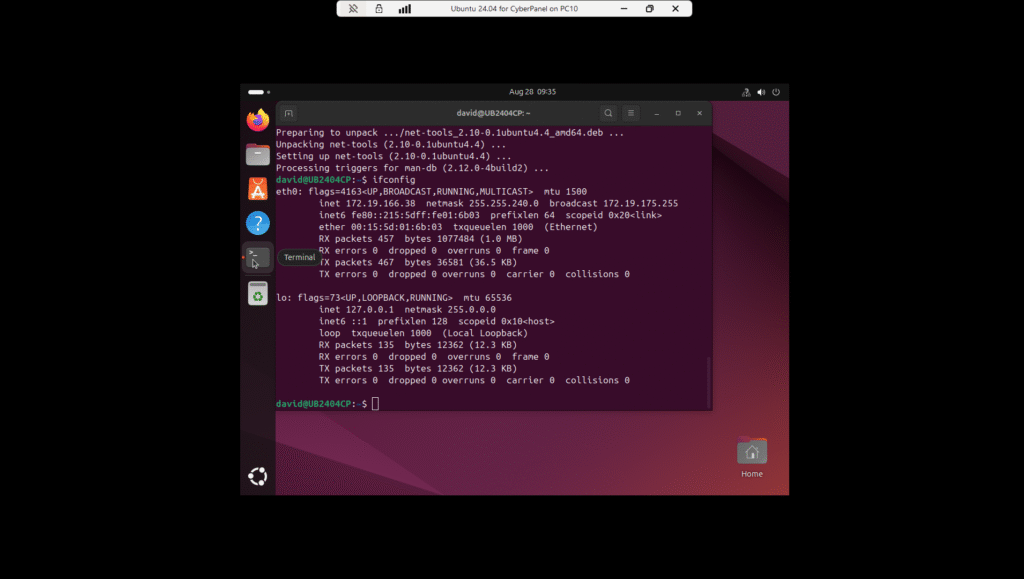 I run Ubuntu in a hyper-V session. It works very well and handy for getting screenshots. I’ve been using a 24.04 LTS for a while and decided I needed another one to test CyberPanel. i already have Webmin on my main one so wanted a clean Ubuntu so as not to mess Webmin. It took ten minutes to setup then another 20 minutes to install 300+ updates.